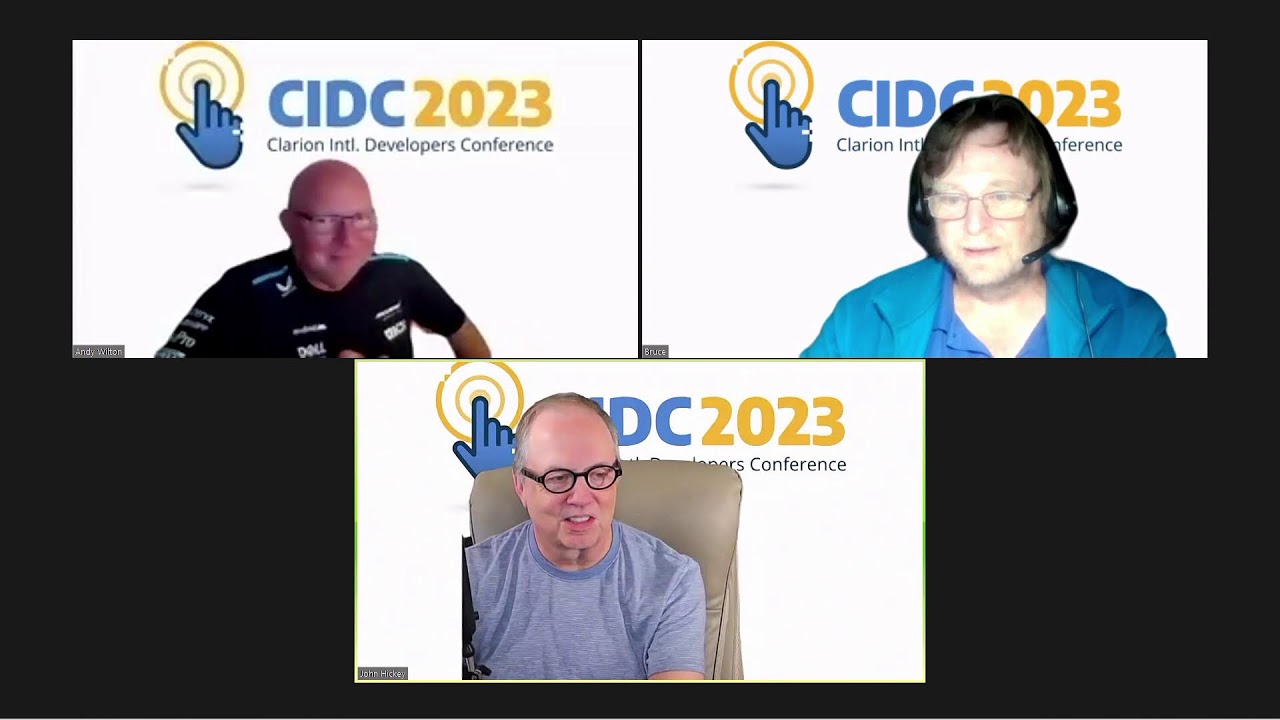
Watch this Clarion Live video to see Clarion code edited in VS Code and some of its features. What I liked was it sort of has its own local repository (timeline) making it easy to do a compare and see source code changes you made, then optionally roll them back.
The VS Code Timeline is a feature that provides a point-by-point history of changes to individual files inside your project. It allows developers to see when files were modified, committed, or saved, efficiently tracking the evolution of code over time.
Webinar 722 - Wengel Latham - Using Clarion with VS Code!
Watching the video is so much easier than reading about how it works.